MATPLOT 3.0
Grafici matematici e arte generativa
Mathematical plotting and generative art
MATPLOT è un laboratorio per creare, combinare e osservare grafici matematici. Consente di inserire liberamente funzioni di una variabile, modificarle in tempo reale oppure affidarsi al generatore casuale.
Con AUTOPLAY le curve nascono da sole, una dopo l'altra: fino a dieci funzioni sovrapposte, poi una nuova composizione. Basta premere ON e guardare.
MATPLOT is a laboratory for creating, combining and exploring mathematical plots. Enter your own functions, edit them with live updates, or explore new expressions using the random generator.
With AUTOPLAY, new curves appear automatically, one by one: up to ten overlaid functions, followed by a fresh composition. Just press ON and watch.
MATPLOT 3.0 — Videate / Screenshots
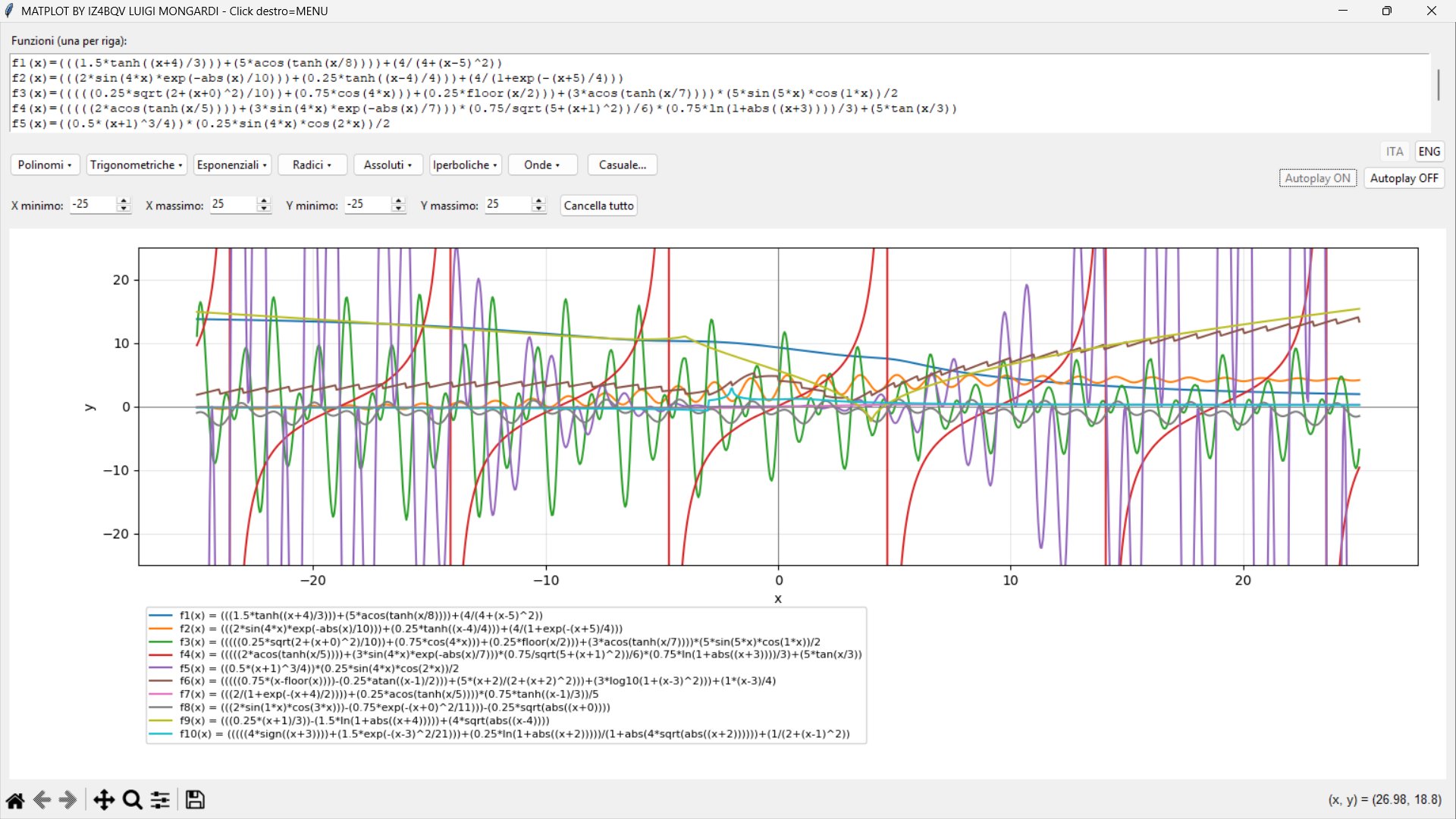
ENGLISH: Full-screen AUTOPLAY, displaying ten overlaid plots.
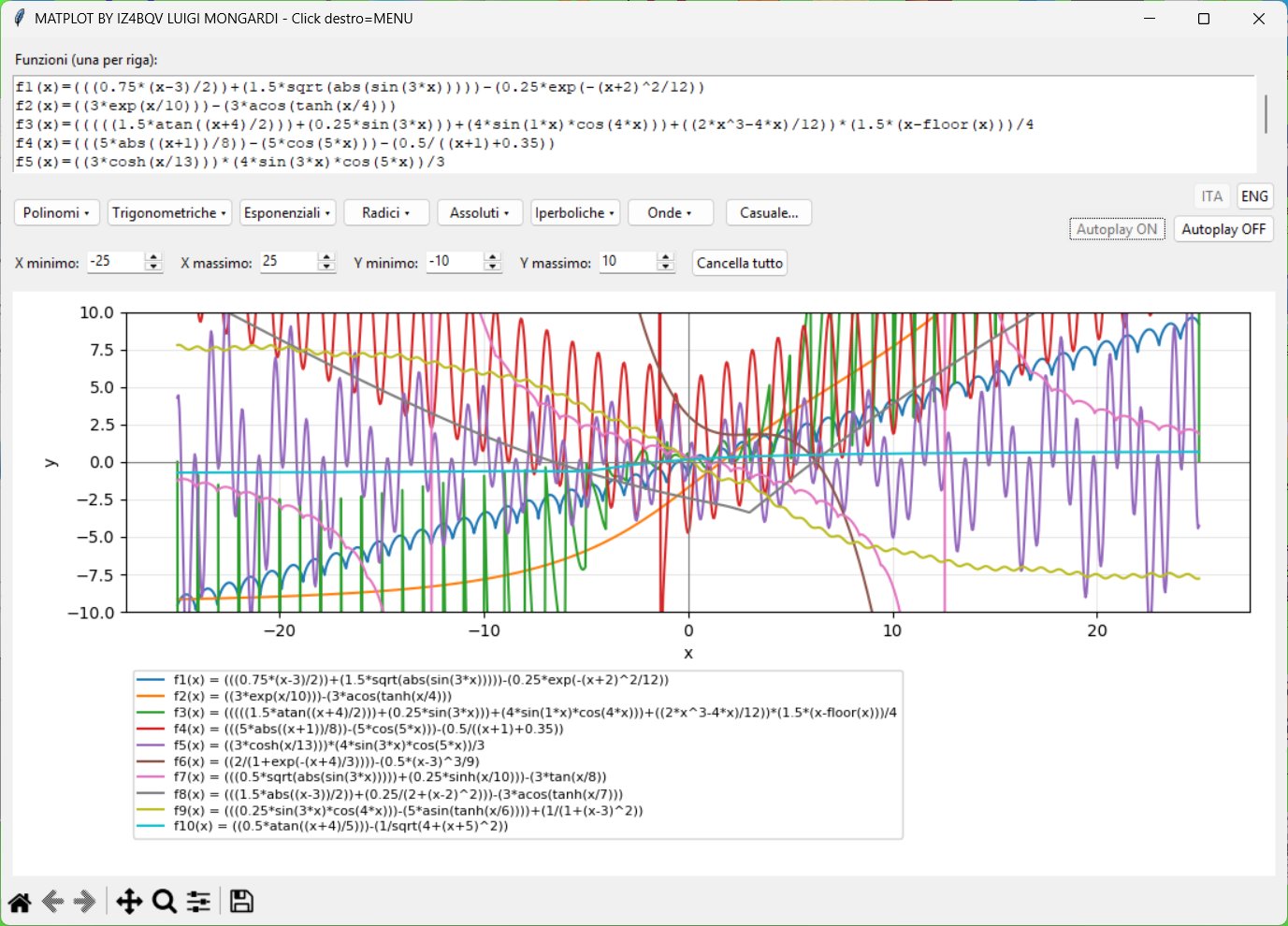
ENG: Another AUTOPLAY composition with a different Y scale.
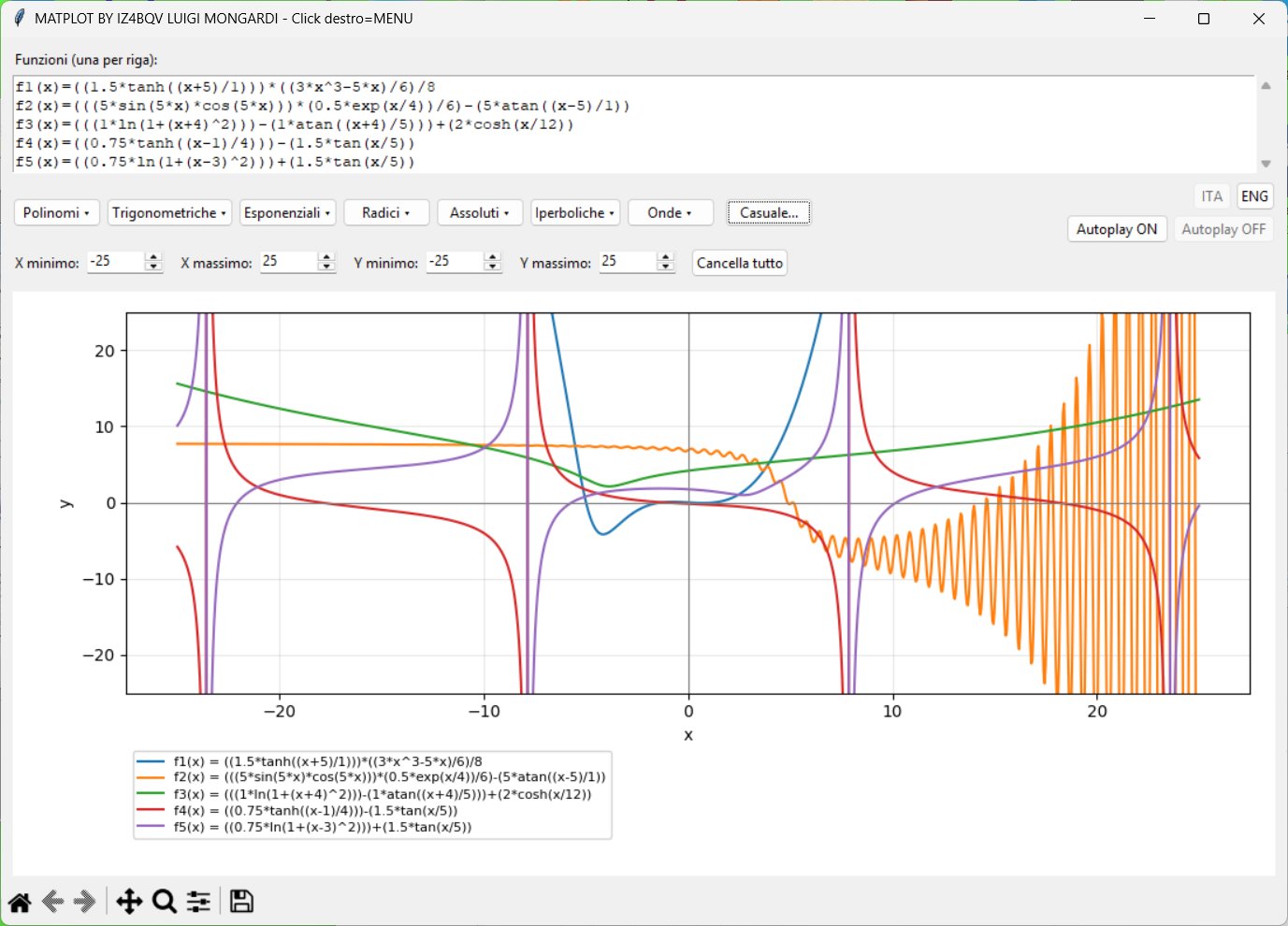
ENG: Five manually entered functions, editable at any time.
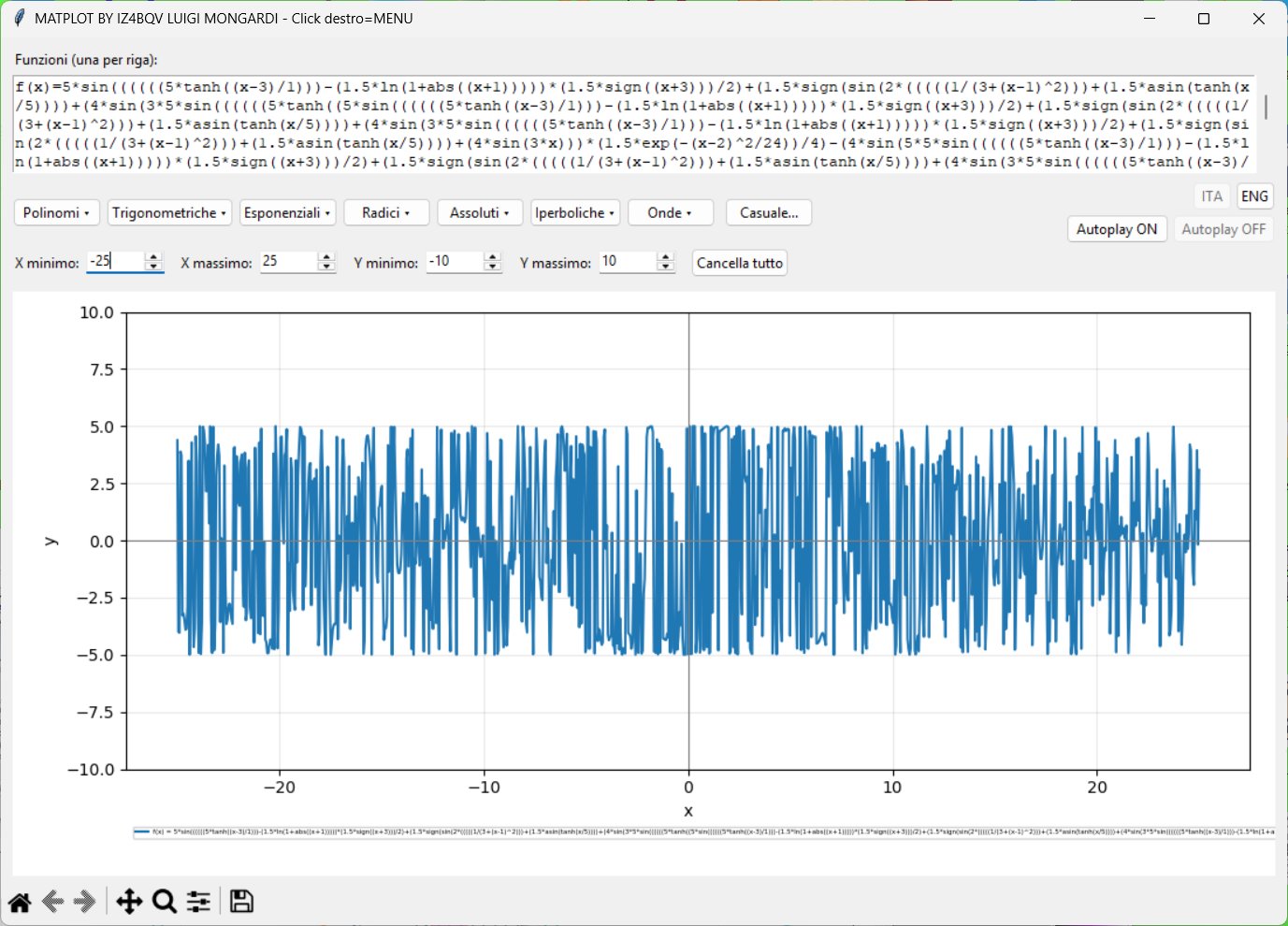
ENG: Stress test: a formula over 5,000 characters long, with deeply nested functions.
Clic sulle immagini per ingrandirle / Click any screenshot to view it full size.
1. AUTOPLAY / SCREEN SAVER
Premendo Autoplay ON, MATPLOT aggiunge una funzione casuale ogni secondo, fino a un totale di 10 curve. Dopo una breve pausa cancella la composizione e ricomincia automaticamente, senza limite di cicli.
Se nell'editor ci sono già delle funzioni, vengono mantenute e completate fino a dieci. Se sono dieci o più, il ciclo successivo riparte dopo una breve pausa. Durante AUTOPLAY si possono inserire funzioni manuali e modificare gli assi X/Y. Autoplay OFF ferma la sequenza e lascia intatto il grafico raggiunto.
1. AUTOPLAY / SCREEN SAVER
Press Autoplay ON and MATPLOT adds one random function roughly every second, up to 10 curves. After a short pause it clears the composition and begins again automatically, repeating continuously.
Existing functions are kept and completed up to ten. If ten or more are already present, a fresh cycle begins after a short pause. You can add manual functions and adjust X/Y ranges while AUTOPLAY runs. Press Autoplay OFF to stop and preserve the current plot.
2. FORMULE E GENERATORE CASUALE
Scrivi una formula per riga, per esempio f(x)=5*sin(x), oppure scegli tra le funzioni già pronte nei menu. Le curve vengono aggiornate automaticamente, anche quando una riga viene modificata o eliminata.
Il pulsante Casuale... propone nuove espressioni che combinano polinomi, funzioni trigonometriche, esponenziali, logaritmi, radici e altro. Puoi accettarle o generarne altre. Sono consentite formule molto lunghe e annidate, compatibilmente con le risorse del computer.
2. FORMULAS AND RANDOM GENERATOR
Enter one formula per line, such as f(x)=5*sin(x), or choose a ready-made expression from the menus. Plots refresh automatically whenever a formula is edited or removed.
The Random... button proposes expressions combining polynomials, trigonometric and exponential functions, logarithms, roots and more. Accept a formula or generate another. Long, deeply nested expressions are supported within the computer's practical limits.
3. ASSI, GRAFICI E LEGENDA
I limiti X minimo/massimo e Y minimo/massimo si regolano liberamente, anche durante AUTOPLAY. All'avvio valgono −25 / +25 su entrambi gli assi.
In modalità manuale non c'è un limite artificiale al numero di curve: la legenda mostra le ultime dieci, mentre le precedenti restano disegnate. La barra Matplotlib offre zoom, spostamento della vista e salvataggio dell'immagine.
3. AXES, PLOTS AND LEGEND
Change the X minimum/maximum and Y minimum/maximum freely, even while AUTOPLAY is running. Both axes initially range from −25 to +25.
Manual mode has no artificial limit on the number of curves: the legend shows the most recent ten while earlier curves remain plotted. The Matplotlib toolbar provides zooming, panning and image export.
4. SALVA E CARICA
Dal menu del clic destro puoi salvare le formule in un normale file TXT, una per riga, o caricare un TXT esistente. I limiti X/Y non vengono salvati nel testo e restano invariati durante il caricamento.
Per salvare il grafico come immagine usa invece il dischetto nella barra Matplotlib. Fermando AUTOPLAY puoi selezionare, modificare e conservare le composizioni che preferisci.
4. SAVE AND LOAD
Use the right-click menu to save formulas in an ordinary TXT file, one per line, or load an existing TXT. X/Y limits are not stored in the text file and are preserved when loading formulas.
To save the plot as an image, use the disk icon on the Matplotlib toolbar. Stop AUTOPLAY whenever you want to select, edit and preserve a favorite composition.
5. INTERFACCIA ITA / ENG
I pulsanti ITA e ENG cambiano istantaneamente la lingua, anche durante AUTOPLAY, senza cancellare formule o grafici. Il menu del clic destro raccoglie funzioni, comandi e un Help completo integrato nel programma.
5. ITA / ENG INTERFACE
The ITA and ENG buttons switch languages instantly, even during AUTOPLAY, without clearing formulas or plots. The right-click menu provides functions, commands and a complete built-in Help guide.
MATPLOT 3.0 — Download
Scarica MATPLOT per Windows / Download MATPLOT for WindowsPassword di estrazione: IZ4BQV (maiuscolo)
Extraction password: IZ4BQV (uppercase)
Il programma include l'Help completo in italiano e inglese.
A complete Italian/English Help guide is included in the program.